

A sign company based in North London designs, makes and installs everything from shop signs to vehicle graphics. They have been a long standing client. Every job is bespoke so a useful enquiry needs a proper brief: what type of sign, where it’s going, how big, whether it’s illuminated, whether there’s artwork, and when it’s needed.
Their website asked visitors to supply that brief through forms. Lots of them, and the forms were pretty long! We replaced the job those forms were doing with a custom AI chatbot for the website that asks the right questions in each conversation. In the 66 days from 6 July to 9 September 2026, it brought in 47 of the company’s 61 genuine enquiries (roughly 77%).
The problem with long quote forms
Before the AI Assistant was installed website enquiries could arrive through a general contact form, a callback form, and seven separate service-specific quote forms.
Each form made sense on its own and worked. Together they asked the visitor to do something difficult, work out which of nine forms fitted their project, then describe it in the company’s terms. However, someone who wants “a sign for my new café” doesn’t necessarily know whether that’s a fascia, a projecting sign or window graphics.
A form is a clipboard at the door. It works if the visitor already knows what to write. An assistant is a helpful person at the counter who asks the next sensible question.
What we built and how it works
The Webshape AI Assistant does three jobs on the client’s website.
- It answers questions. Visitors can ask about the company and its services in their own words, at any time.
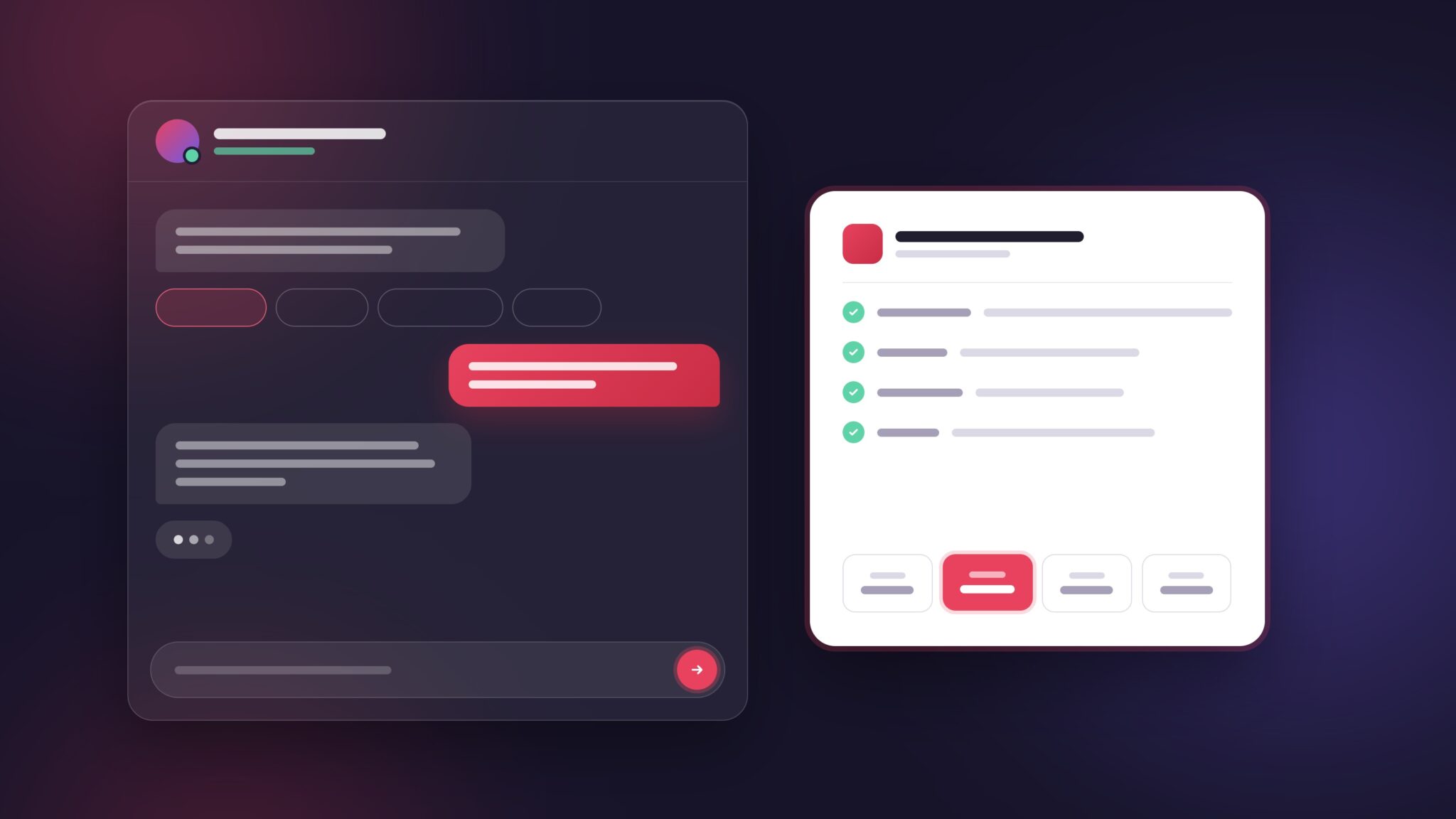
- It gathers the brief. Instead of an imposing blank form, the Assistant has a live conversation. It starts with a simple choice, such as shop sign, vehicle wrap, window graphics or illuminated sign, then asks follow-up questions to build up the details the sales team needs in order to create an informed quote.
- It books a callback and writes the summary. Once the brief is gathered, the visitor picks a morning or afternoon callback slot inside the chat. The sales team receives an automatic summary of the brief so the first real call starts with the details already collected.

Behind the scenes Webshape’s server-side lead tracking matches each enquiry to the website visit that produced it. That’s how we know where every one of the 61 enquiries came from, and it’s what makes the comparison below possible.
This was great to understand as the whole customer journey could be tracked from where the user came from, their progress through the site, to making an enquiry. It documented the intent and also which channel is adding the most value for the business.
What happened: the results
We analysed every enquiry between 6th July and 9th September 2026, a 66-day window, and removed tests, spam, people who weren’t customers, and duplicates. That left 61 genuine enquiries, about 6.5 a week.
Enquiries
- Via the AI Assistant 47 (77%)
- Via forms (all types) 14
- Of which: the seven service-specific forms combined 7
- Total 61
A few details stand out:
- 32 of the Assistant’s 47 enquiries came from the free quote page. The Assistant effectively became the quote form.
- Only 6 of the 61 enquiries left contact details with no brief. The vast majority arrived with enough information to act on.
- 7 enquiries were multi-site or multi-item projects. The kind of detail that’s hard to fit into a single-service form.
- 32 enquirers booked a callback slot through the ai chat.
One more pattern, across all channels rather than the Assistant alone: 25 of the 61 enquiries (41%) arrived outside of usual working hours of Monday to Friday (9am to 6pm) which included 11 at the weekend. People think about their signage when they have time to or when they remember which is often not during office hours.
What this information can’t yet tell you is if there was a rise in the number of enquiries. Tracking of the AI Assistant started on 6th July 2026. We’ll follow up with a before an after in another post.
Want to try this out?Try the AI chat assistant demo
What we learned
The forms were built for the job the Assistant now does. Seven service forms produced seven enquiries between them in 66 days. They weren’t wrong, they were just asking visitors to sort themselves into the right box first.
A conversation collects a better brief. Only 6 of 61 enquiries arrived without a brief. The AI Assistant keeps asking until it has something useful to record, which a form can only do by adding more required fields.
Callback booking closes the loop. Letting someone pick a time in the chat turns “I’ll get back to them” into a real appointment.
Please note one thing we’re not claiming. The site also gets enquiries from people who found it through AI search tools like ChatGPT. That reflects the site’s visibility in AI search, which is separate from the Assistant. If you’re curious about that side, we’ve written about Whether AI visitors convert better.
If you try this, measure it
The most useful thing we did on this project wasn’t building the Assistant. It was counting the statistics afterwards. If you add an AI chatbot to your website, here’s the approach we’d suggest, based on how we ran this analysis:
- Track every enquiry back to its source. Server-side tracking matched each enquiry to the visit that produced it, so we could compare the Assistant and the forms fairly.
- Decide what counts as a genuine enquiry before you count. We removed tests, spam, people who weren’t customers and duplicates. Without that step, any chatbot looks busier than it is which could change the stats.
- Record whether the enquiry arrived with a proper brief. A name and number is a lead. A name, number plus a clear description of the requirements is an enquiry your sales team can quote from.
- Note the date/time it arrived. Out-of-hours or late evening patterns tell you whether you need a way to respond when the office is closed.
- Set a fixed window. This test was 60+ days. A fixed window stops you picking just the good weeks.
Where we were pleasantly surprised was the ability for the API to add context to the enquiry and flesh out the requirement so the sales team were briefed before the call. Small characteristics such as were the human responses short and to the point, did they click the quick replies, or did they provide more context were important notes as to the person’s intent and personality.
Would an AI chatbot work on your website?
It’s most likely to help when:
- your jobs are bespoke and a good enquiry needs several details
- your site has several forms and visitors have to guess which one to use
- you’re losing enquiries that arrive out of hours
A simple form is still fine when the enquiry really is simple, such as a booking with a fixed menu of options, or when you only need a name and phone number. Some visitors will always prefer a form, which is why this client kept one alongside the Assistant.
There’s also data to think about. If an assistant collects personal details, it needs to be clear with visitors about how that information is used. The ICO publishes guidance on AI and data protection, currently under review following the Data (Use and Access) Act. Check your privacy notice with your adviser.
Try the demo
We’ve built a demo using a made-up company. Edit the company profile and qualifying questions, chat with the assistant, and see the lead summary it produces.
Want to try this out?Try the AI chat assistant demo
If your website relies on long forms and you’d like to talk about what an assistant could do for your business, see our AI for business services or book a call with us.
Read More:
Frequently Asked Questions
It’s an assistant that sits on your website and answers visitors’ questions in plain language. A well-built one also gathers the details your team needs, such as the type of job, location and timescale, and passes them on as a tidy summary.
It depends on the enquiry. For bespoke work where a useful brief needs several details, a conversation often collects more than a form does. For simple enquiries, a short form can be quicker, so many businesses keep both.
It can if it isn’t set up carefully. A business assistant should be limited to information about your company and services, and should hand over to a person rather than guess when it doesn’t know. Test it with real questions before it goes live, and review conversations regularly.
Yes. In this project, visitors pick a morning or afternoon callback slot inside the chat, and the sales team receives a summary of the brief. More detailed calendar booking is possible with the right integrations.
Track every enquiry back to the visit and channel it came from, then remove tests, spam and duplicates before counting. Without that, it’s hard to tell whether the chatbot brought in new enquiries or just moved existing ones from a form.
It can be, but it depends on how it’s set up and what it collects. Be clear with visitors about how their information is used, update your privacy notice, and take advice. We’re not legal advisers, and the ICO’s AI guidance is currently under review.